
Mobile Development
Native vs Flutter Mobile App Development
Gergely B., Mobile Development Team · May 22, 2026
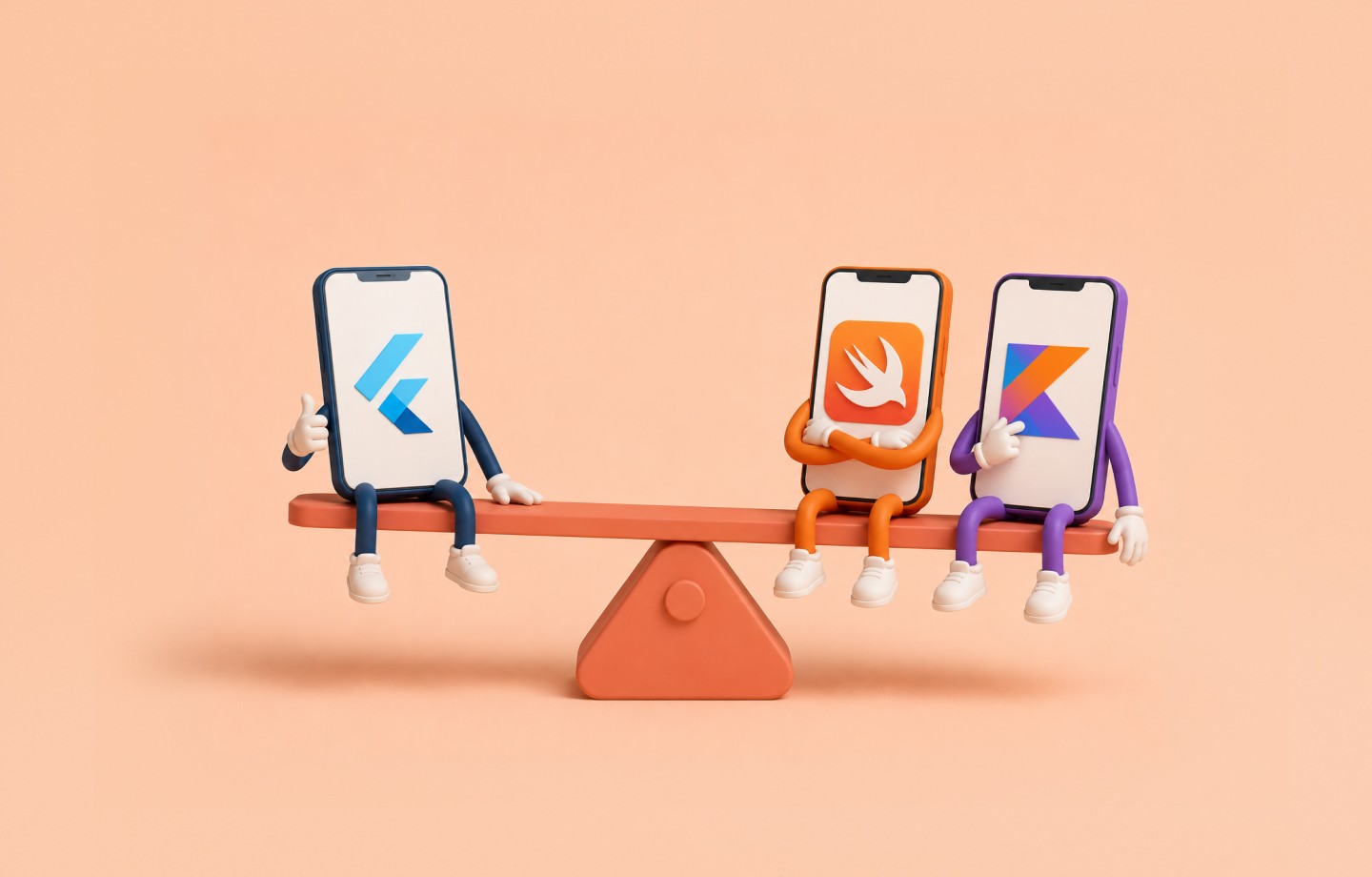
Mobile development splits into two dominant approaches: native, which targets Kotlin on Android Studio and Swift on Xcode separately, and cross-platform frameworks like Google's Flutter, which builds Android, iOS, web, and desktop apps from a single Dart codebase. Flutter grew fast — 30% of developers were already using it by 2019, and it now powers products like Google Stadia, Google Ads, and Google Pay. Choosing between them is a real trade-off, not a matter of taste.
Speed of Development
A shared codebase is Flutter's clearest advantage: clean development time drops by roughly half, and across a whole project — design, testing, refinement included — teams report 57-59% time savings compared to a native build. Hot Reload rebuilds the widget tree and shows changes instantly, which matters a lot for UI work, and a mature package ecosystem (shared_preferences, url_launcher, image_picker, geolocator, dio, flutter_bloc) covers most common needs out of the box. Native development, by contrast, means two separate codebases and two separate processes — doubling the time and the coordination overhead between Android and iOS teams.
Performance
Flutter's first-launch time can run 2-3 seconds slower than native on some devices, and while its UI performance approaches native levels, rendering can still be 10-20% faster natively, particularly in heavy animation on older hardware. Native code gets direct OS and hardware access — camera, GPS, Bluetooth — and generally shows better memory management on resource-constrained devices, which matters most for hardware-intensive or performance-critical apps.
UI/UX and Maintenance
Flutter keeps the interface consistent across Android and iOS, which cuts design divergence but can make an iOS app feel slightly off from users' platform expectations; native apps follow Material Design or Apple's Human Interface Guidelines exactly, at the cost of maintaining two separate UIs. The same trade-off repeats in maintenance: one Flutter codebase means one place to fix a bug, though Flutter sits as a layer between the app and the OS, which can delay access to brand-new iOS features; native gets same-day access to new platform capabilities, but every fix has to be written twice.
Which Should You Choose?
Flutter is the right call for a fast, cost-effective multi-platform product where a consistent look and simple maintenance matter more than squeezing out the last bit of performance. Native is the right call when the app is hardware-intensive, performance is non-negotiable, or you only need one platform to begin with — a company-internal Android tool, or an iOS-exclusive product. Both are legitimate choices; the right one depends on the project, not on which is newer.